AI photo enhancement
You already have the photo.
It just needs a photographer's eye.
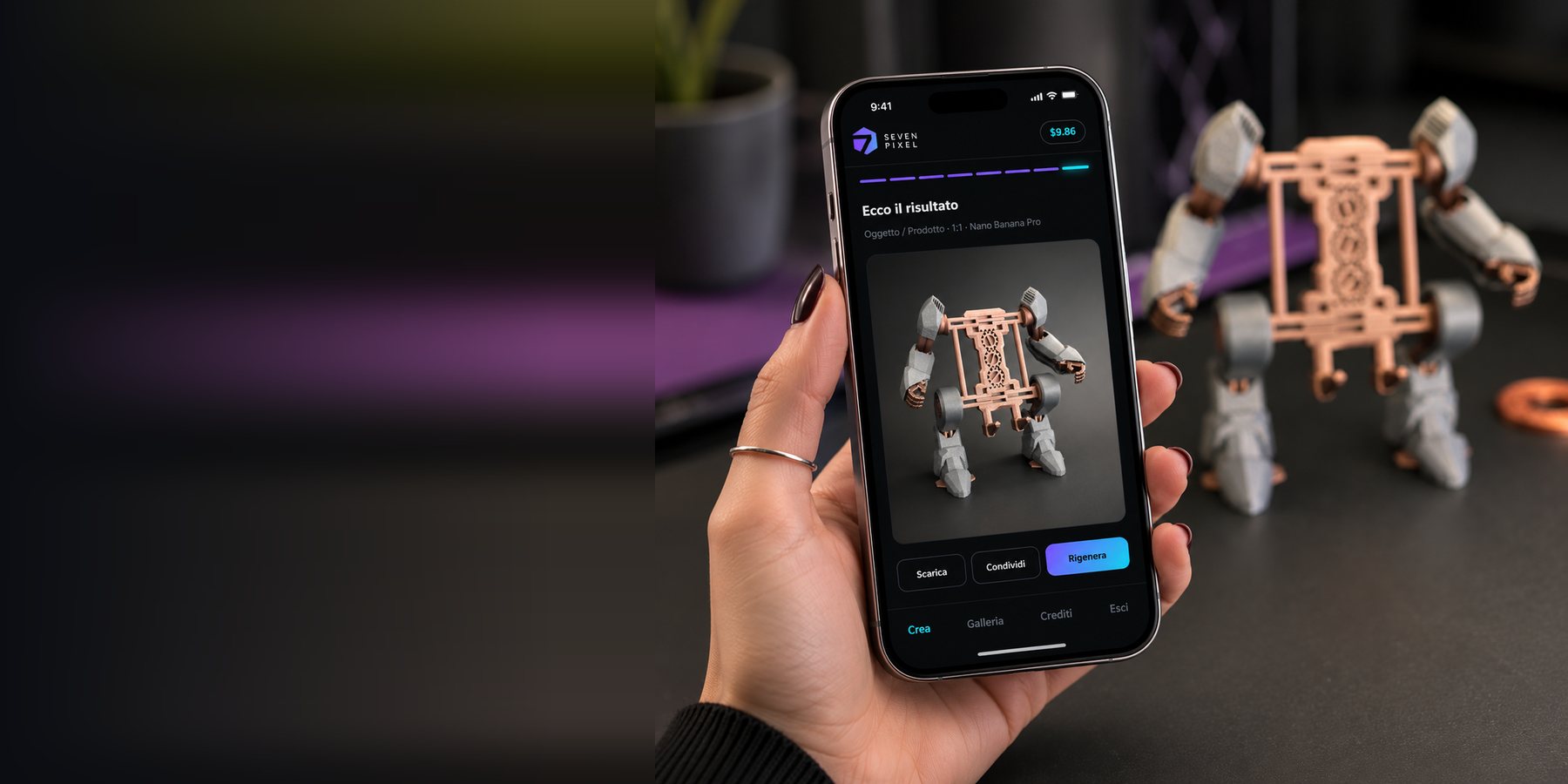
Take a photo with your phone, say out loud what you want (or let it decide), and seconds later you get an image that looks like someone who knows photography took it.
7 free images when you sign up · no subscription · runs in your browser
A pixel is the smallest piece of a photograph: on its own it says nothing. Seven start to make a detail: the right light on an edge, a background that stops getting in the way. That is where we work.
How it works
Three things to do.
It handles the rest.
You do not need to know how to write a prompt: the app looks at your photo, works out what is in it and writes the instructions itself.
Upload or shoot
From your phone or your computer. The image is resized before it leaves, so you are not waiting on a huge upload.
It recognises the subject
A quick analysis works out the subject and suggests the right format from the real proportions of your shot. This step costs you nothing.
Describe it and go
Say out loud what you would like changed, or skip it entirely. Pick the engine and the size, and about twenty seconds later the image is there.
Before and after
The same thing, told properly.
Drag the handle: on the left the shot you started with, on the right what you get back.
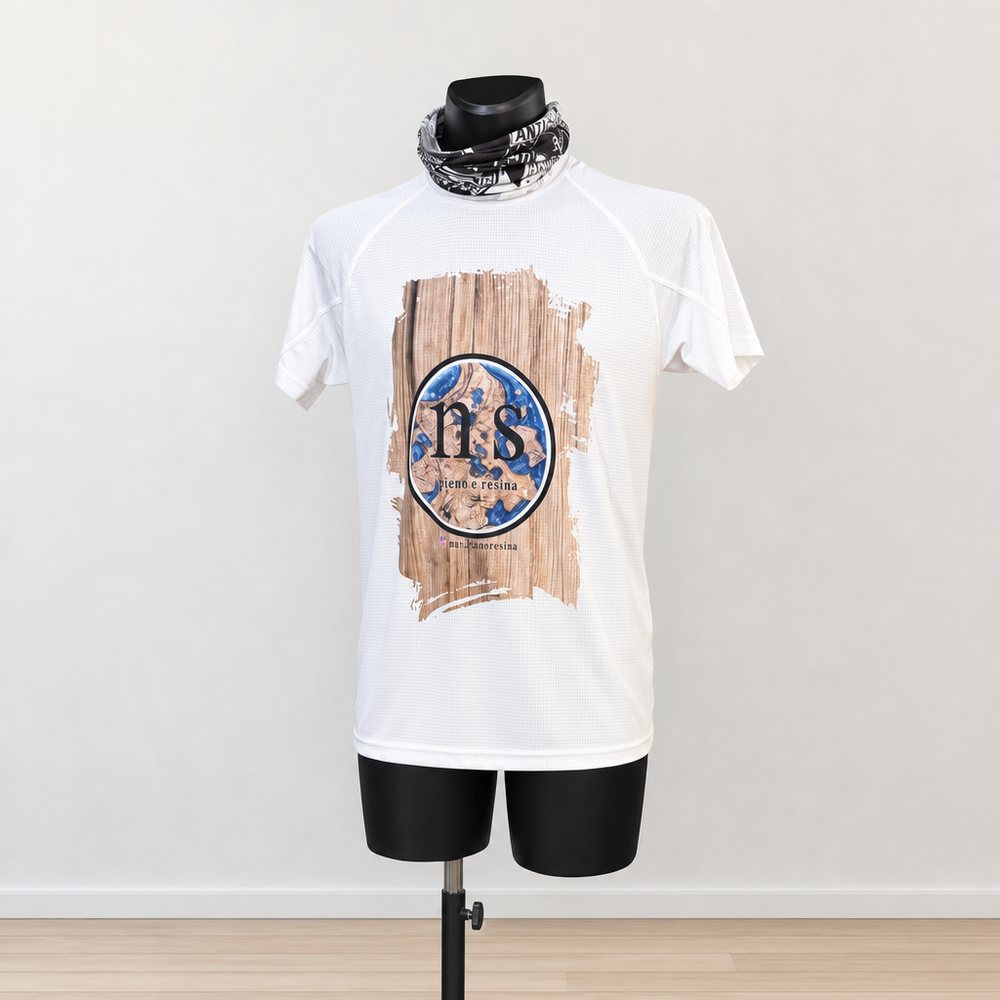
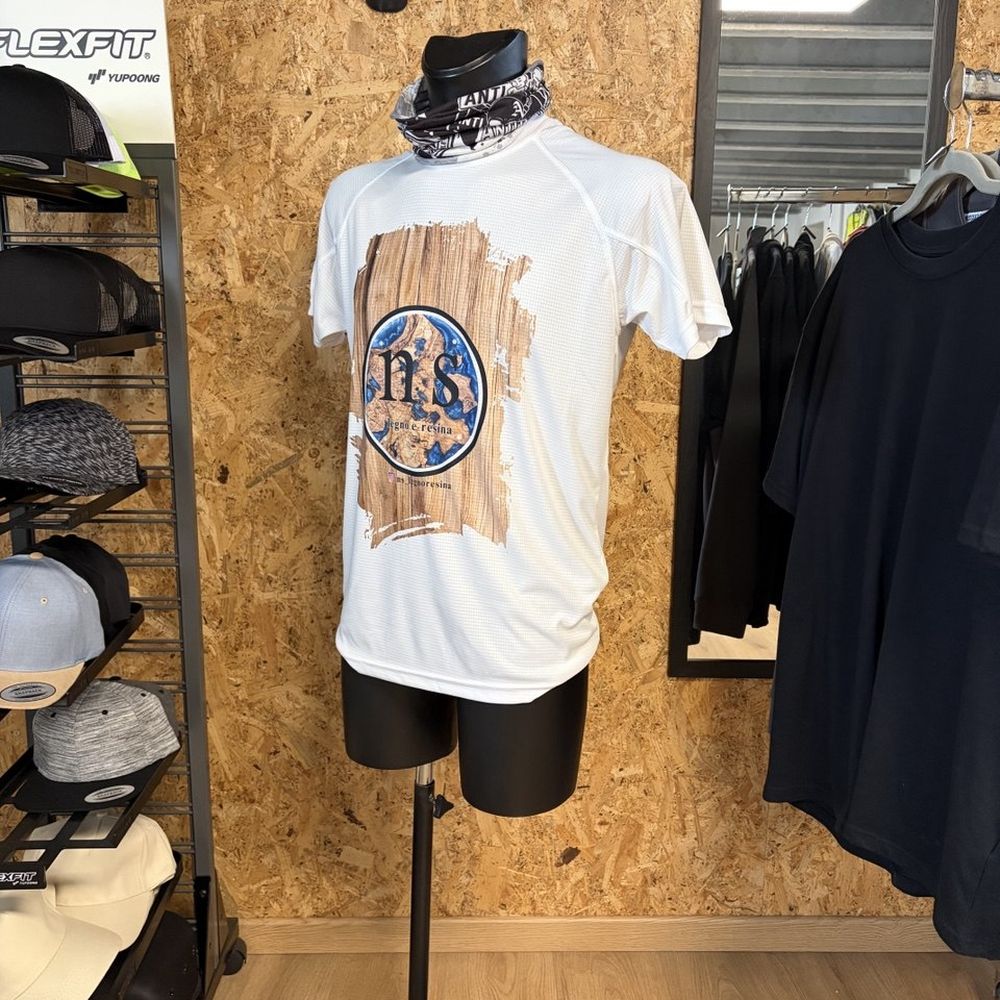 Before
After
Before
After
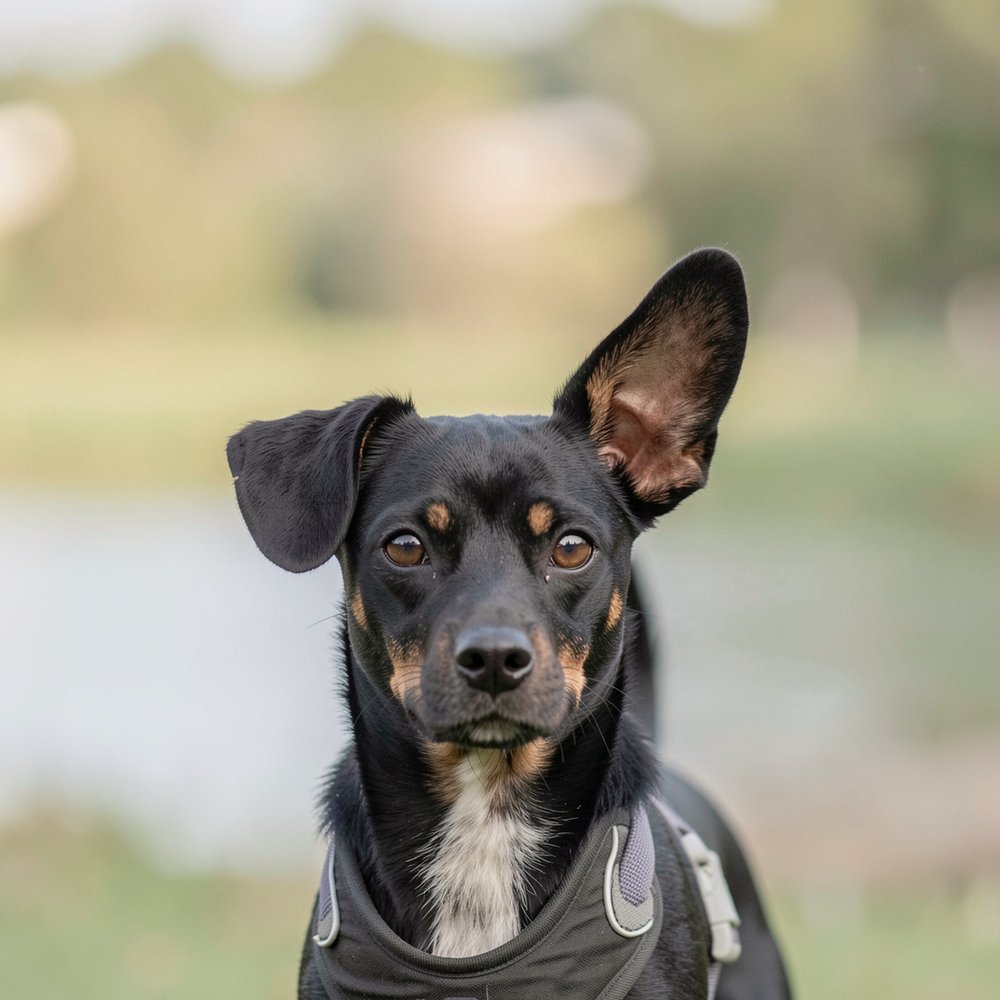
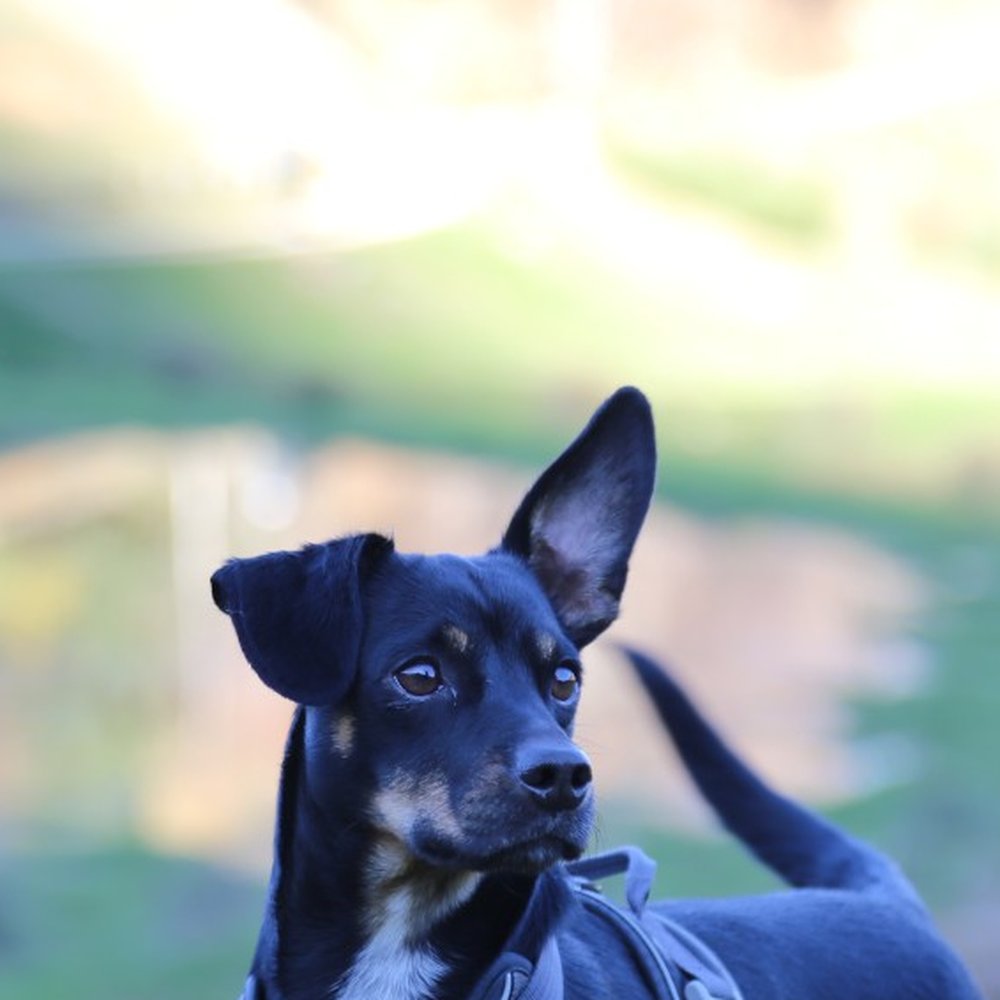 Before
After
Before
After
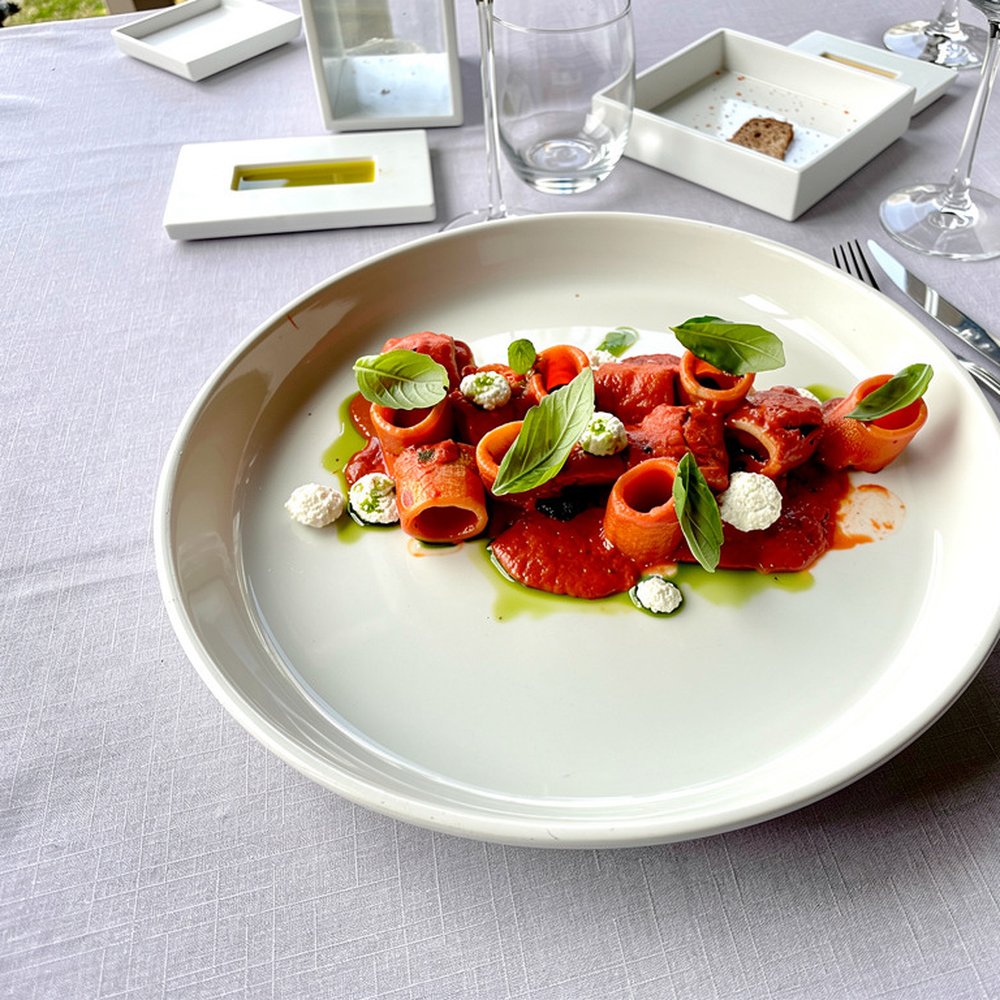
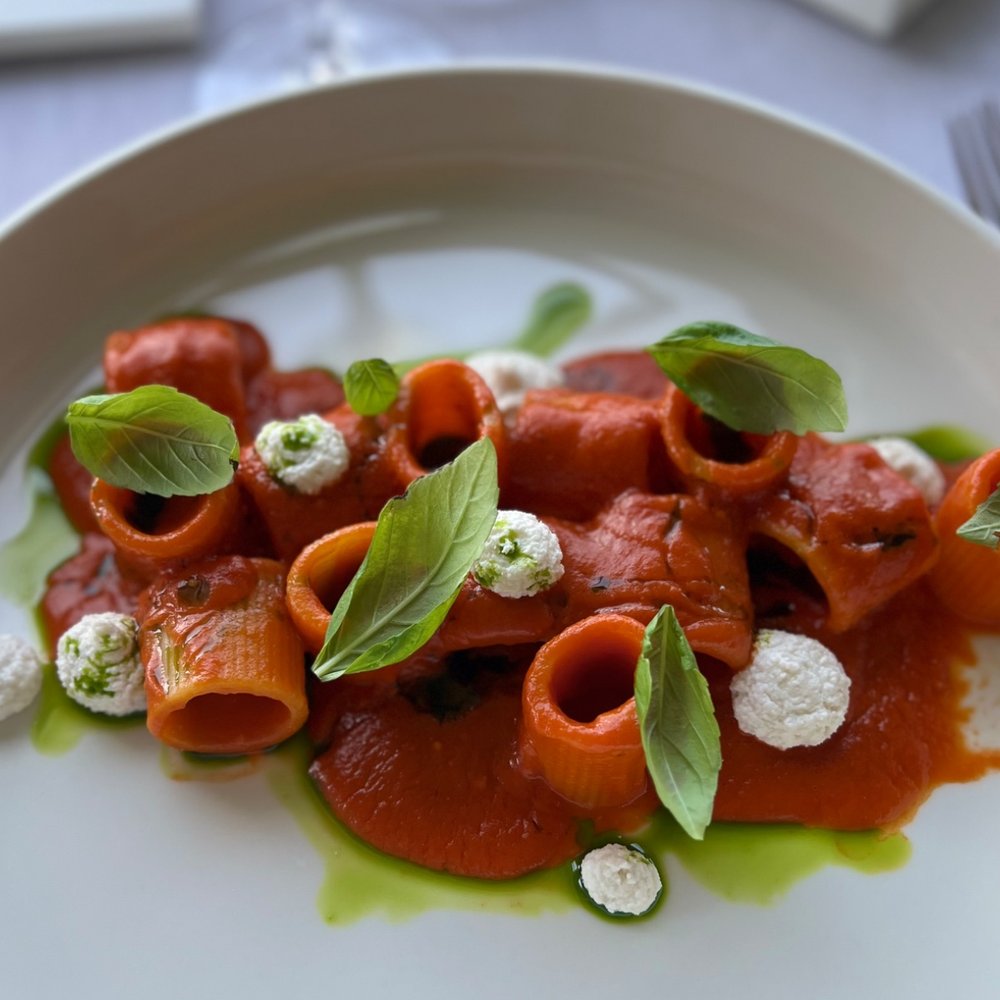 Before
After
Before
After
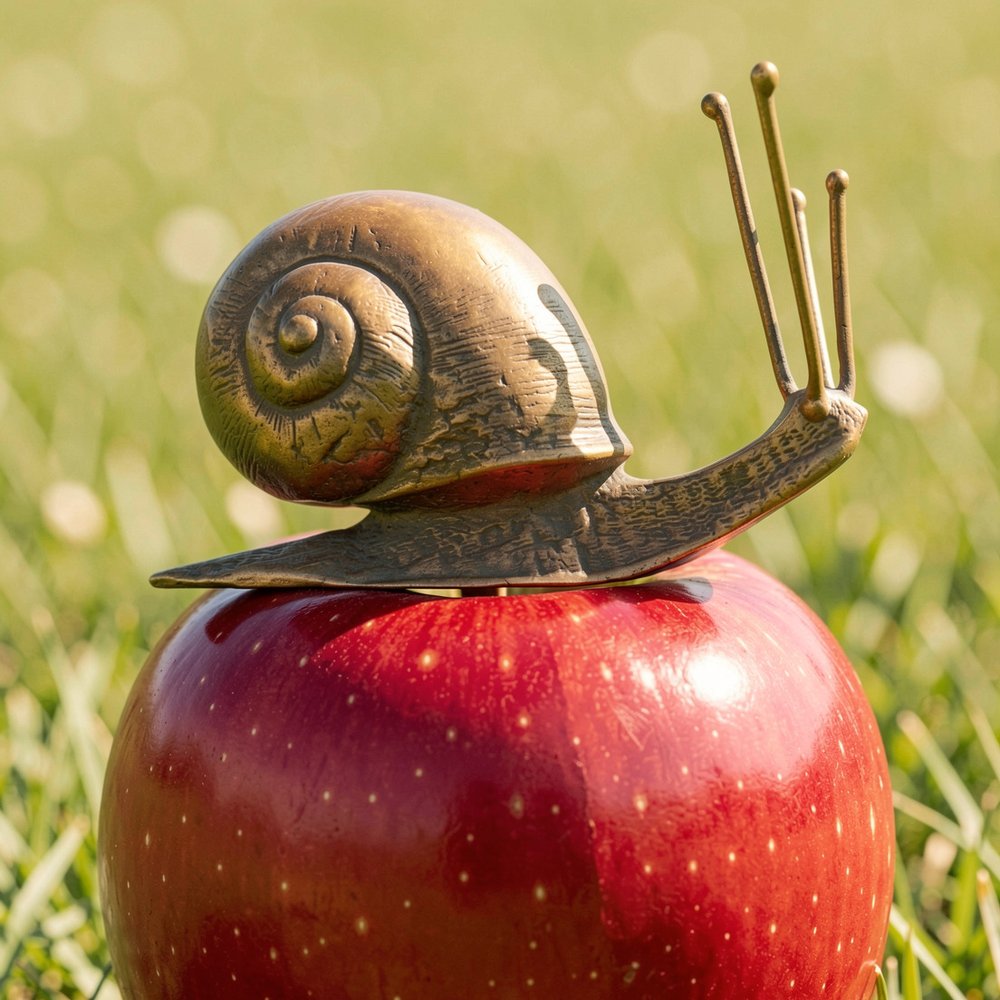
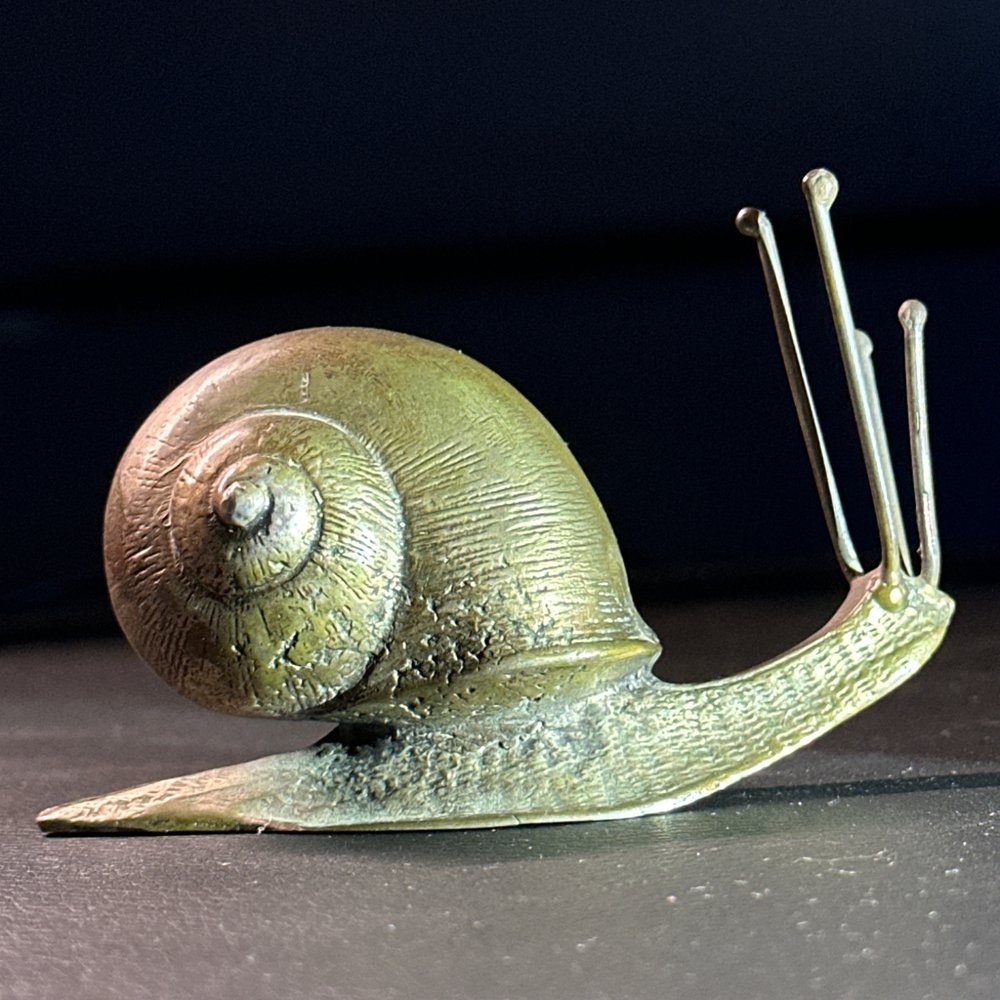 Before
After
Before
After
It works it out
It understands what is in the photo.
Product, dish, garment or place: the app recognises the subject and treats it the way it should be treated. You set nothing.
Just say it
The microphone types as you speak, in your own language. Handy when your hands are busy, or when you simply cannot be bothered to type.
The format you need
Square, landscape or portrait, with the crops social media expects (stories, posts, reels). The app suggests the one that fits and you confirm. Up to 4 megapixels: plenty for the web, and in print it holds an A5 — a flyer, a postcard, half a page.
Five languages
Italian, English, French, German and Spanish: the interface switches with one tap.
The engine
Two choices, not a menu of code names.
Nothing to decode: you choose how you want the app to work. The cost of the shot is written down before you generate, so there are no surprises afterwards.
Quick and cheap
The everyday workhorse
A few seconds, easy on your credit. Ideal for social media, drafts, and when there are a lot of photos to get through.
Top quality
When the shot matters
The best result, for photos going in a shop window, a catalogue or a portfolio.
Pricing
You pay only for
what you use.
The photos are already yours: we just put them right. Top up credit when you need it and spend it shot by shot. No subscription, no automatic renewal. If a generation fails, the credit comes back on its own.
about 20 images
To try it on your own photos.
about 85 images
For real work.
about 215 images
With the discount: you pay €45 and load €50.
These numbers are based on the standard engine at the normal size. On top quality each image costs roughly twice as much, so you get roughly half as many.
FAQ · Frequently asked questions
The usual ones, answered straight.
Do I have to install anything?
No. It opens in your browser and, if you like, you add it to your phone home screen: from there it behaves like an app, full screen, and it is always up to date.
Do I need to know how to write prompts?
No. You can write nothing at all: the app looks at the photo and writes the instructions itself. If you do have something specific in mind, say it out loud or type it and it will be taken into account.
How much does one photo cost?
A few cents per image, and you see the exact figure before you confirm. It depends on the engine (the fast one costs less than premium) and on the size. Top up whenever you want, no subscription.
What if I do not like the result?
There is a button to run it again from the same photo, adding whatever you want fixed. And if the generation fails, the credit goes back to your account automatically.
Who can see my photos?
The images you upload and generate belong to your account and are served only to you: they do not sit in a public folder. The gallery keeps your last 15 creations.
How do I pay?
By card, through Stripe. You top up whenever you want, with no subscription and no automatic renewals.
Start here
Try it with one photo.
Sign up and we will give you 7 free images: enough to see with your own eyes how easy it is, without reaching for your card.